Spreadsheets. Camera rolls. Email chains. Scattered Canva files.
One workspace for every garden design project.
Less admin. More designing.
PlantFrame brings plant palettes, concept boards, client feedback, files and project workflow into one organised system — built specifically for garden and landscape designers.
Beta access opening soon — limited places for solo designers and small studios.
Built for the way garden designers work
Build plant palettes faster
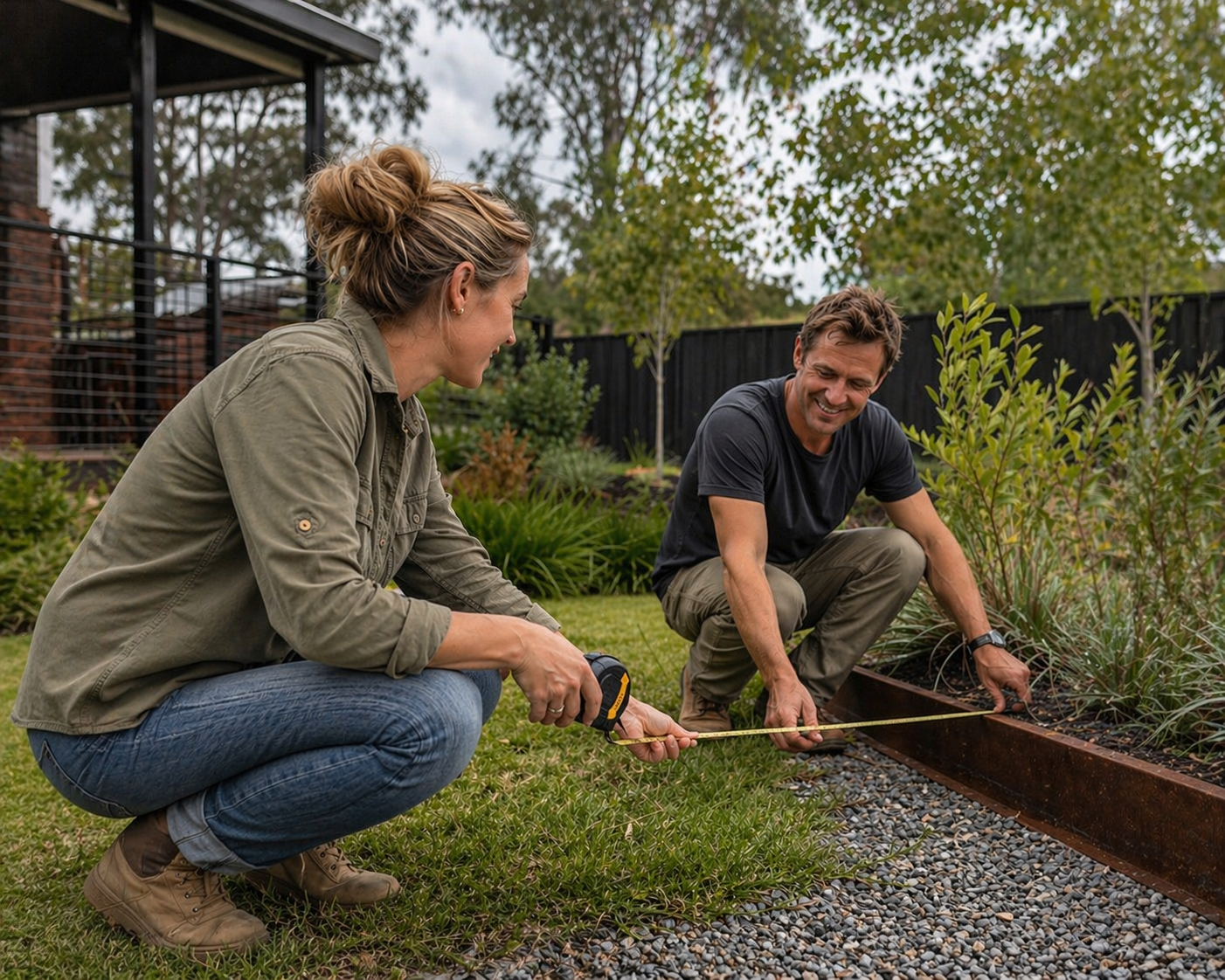
Access 29,000+ plants to create clear, organised plant palettes for each project, including existing, proposed and selected plants. Request new plants and build your own studio plant library as you work.
Keep client feedback out of your inbox
Let clients review, comment on and approve selections, files and design details in one place — without feedback getting buried in email threads.
Turn scattered ideas into clear concept boards
Bring inspiration, materials, planting ideas and client comments together into clean, professional boards your clients can understand.
Stop hunting for project files
Keep plans, PDFs, images, site notes and documents connected to the right project.
See every project at a glance
Track consults, notes, selections, approvals and next steps from first enquiry through to final presentation.
How it works
1. Set up the project
Create a new project workspace with the client details, project brief, site address, appointments, files and notes in one place from the beginning.
2. Invite your client
Send your client a simple link so they can complete an online design questionnaire, share inspiration images and upload relevant site files before the design work begins.
3. Capture everything on site
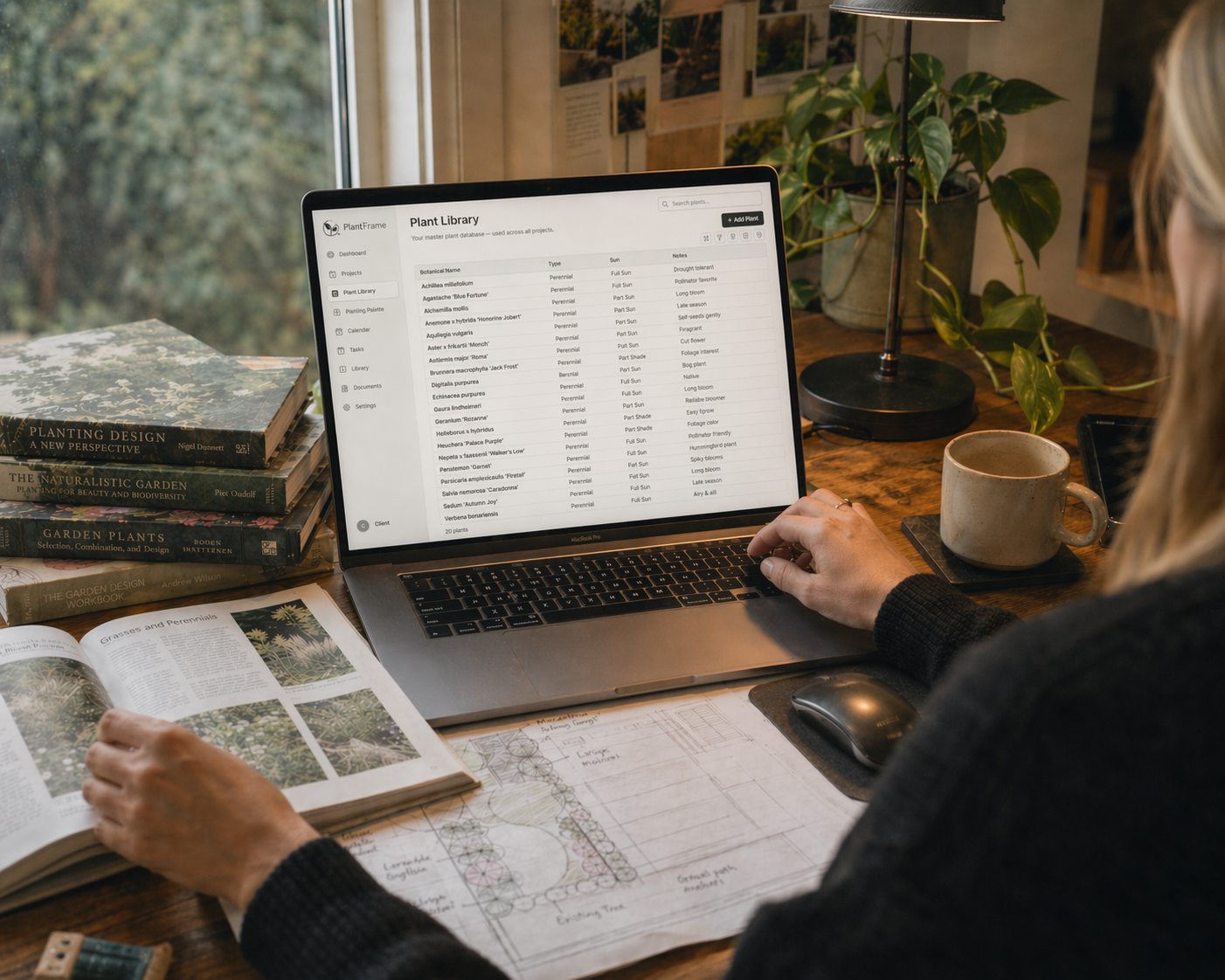
Add photos, notes, observations, measurements and marked-up plans directly to the project. Identify unknown existing plants while onsite and save them straight to the project for review.
4. Build the plant palette
Search a growing plant database of 29,000+ species and organise your project plants into existing, proposed and selected, and build your own plant master list as you work.
5. Create visual concepts
Turn site photos, inspiration and planting ideas into clear, client-ready concept boards.
6. Create client-ready documents
Turn project details into polished proposals, concept presentations and final design documents using AI-assisted content blocks and Canva templates. Upload supporting files such as CAD drawings, plans and site documents, then email them directly to clients from within PlantFrame.
7. Share, review and track
Share selections and files with your client, capture approvals and keep the project journey organised from first visit to final presentation.
There's no shortage of software for architects and interior designers but nothing existed for the way garden designers actually work.
So I built it.
Sharon Waters
Founder, PlantFrame
Take a quick look at what's inside
Built by a garden designer,
for the way garden designers actually work
I'm a garden designer based outside Ballarat, Victoria. PlantFrame grew from a problem I couldn't stop thinking about.
As my practice grew, something kept nagging at me — a friction I couldn't name until I could. I was constantly context-switching: open tabs, printed plans, handwritten questionnaires, phone notes, scattered folders. No single place to hold a project from first conversation to final planting.
With a background in software sales and account management — years spent understanding business workflows and translating real-world pain points into better tools — I knew exactly what good project infrastructure looked like. I also knew it didn't exist for garden designers.
So I built it.

Sharon Waters
Founder of PlantFrame
Garden designer & horticulturist
Join the first group of designers getting access
I’m inviting a small first group of garden and landscape designers to test PlantFrame before public launch and help shape the platform around real design workflows.
As a beta tester, you’ll receive:

Founding member pricing, locked in for life
First access before public launch
Direct input into what gets built next
Frequently Asked Questions
PlantFrame is designed for garden and landscape designers who want a visual, organised way to manage concepts, plant selections, client feedback, and project workflow — all in one place. It’s ideal for solo designers and small studios.
No. PlantFrame is not CAD, 3D or drafting software. It is the workspace around the design process — where you organise the brief, questionnaire, site notes, plant palettes, concept boards, selections, files, feedback, approvals and documentation.
PlantFrame supports the workflow from project setup through to presentation, including client questionnaires, inspiration gathering, site files, site notes, plant palettes, concept boards, selections, approvals, documentation and project tracking.
Absolutely. PlantFrame is built with solo designers in mind — simple, organised, and easy to use without a team. It gives you one organised workspace instead of relying on a messy mix of Canva, Procreate, Notion, email and phone photos to hold the whole project together.
Yes. PlantFrame is being built to support branded client-facing documents and studio details, with branding options available depending on your plan.
During beta, I’ll be testing how designers want branding to appear across client documents, presentations and shared project areas.
Yes. A small group of designers will be invited to test PlantFrame before public launch. Beta testers get early access and the chance to shape the product with direct feedback.
Yes. Beta testers and early adopters will receive a reduced founding‑member subscription rate when PlantFrame launches.
Ready to bring your project workflow into one place?
Join the early access list and be first to try PlantFrame when beta opens.